
All Cursor Packs
Browse our full collection of custom cursors. Find your next favorite style and install it for free.
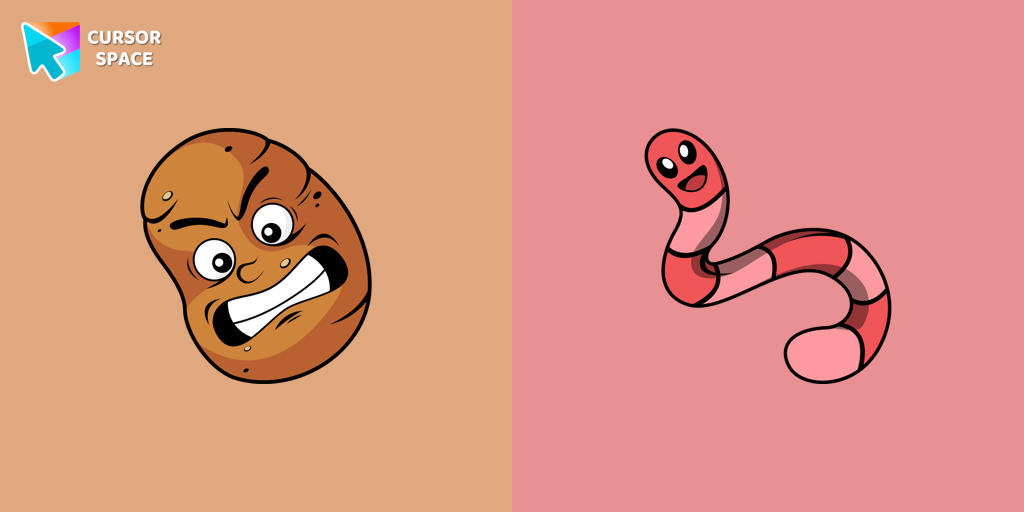 Sal Spudder cursorThe Sal Spudder cursor is a fantastic addition to our cursor collection. With its unique design and eye-catching artwork, this cursor adds a touch of personality and flair to your browsing experience.
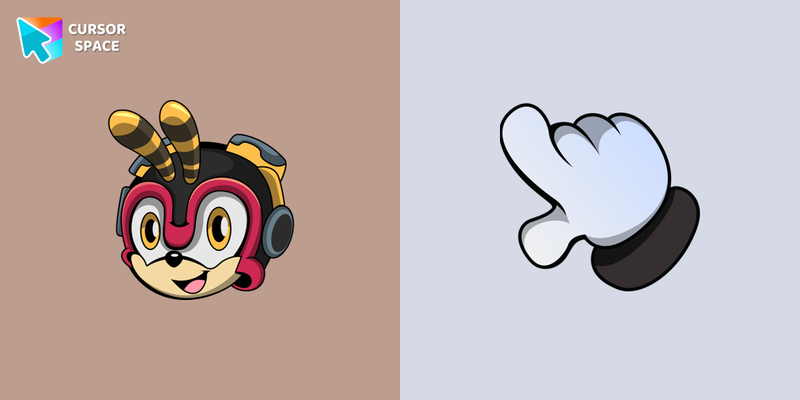 Charmy Bee cursorWe are glad to present this custom cursor with Charmy Bee from the custom cursors collection for the mouse and pointer with Sonic the Hedgehog characters.
 Post Malone cursorIn our custom cursors collection Rappers, we have illustrated a Post Malone custom cursor for mouse and pointer in a nice art.
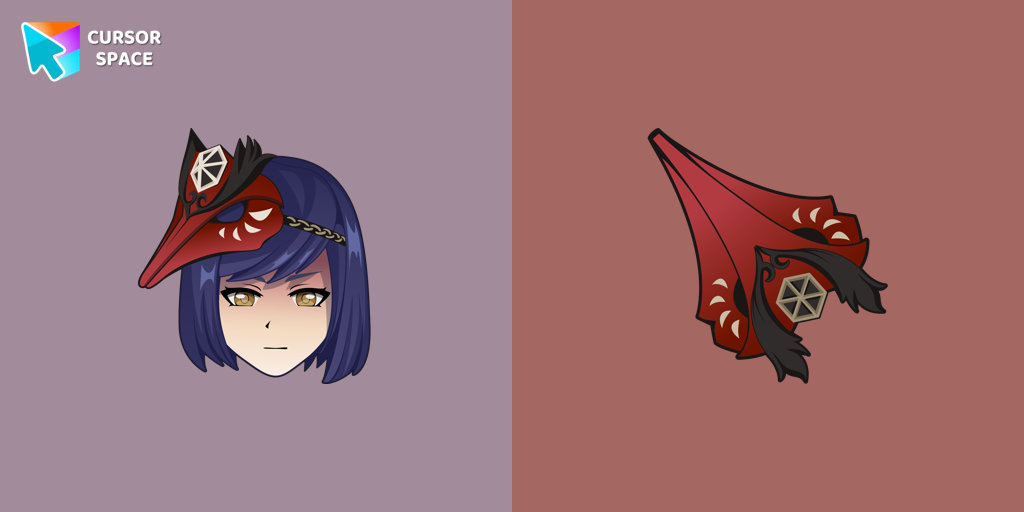 Kujou Sara cursorWe are glad to present this cute custom cursor with Kujou Sara from the adorable custom cursors collection for the mouse and pointer.
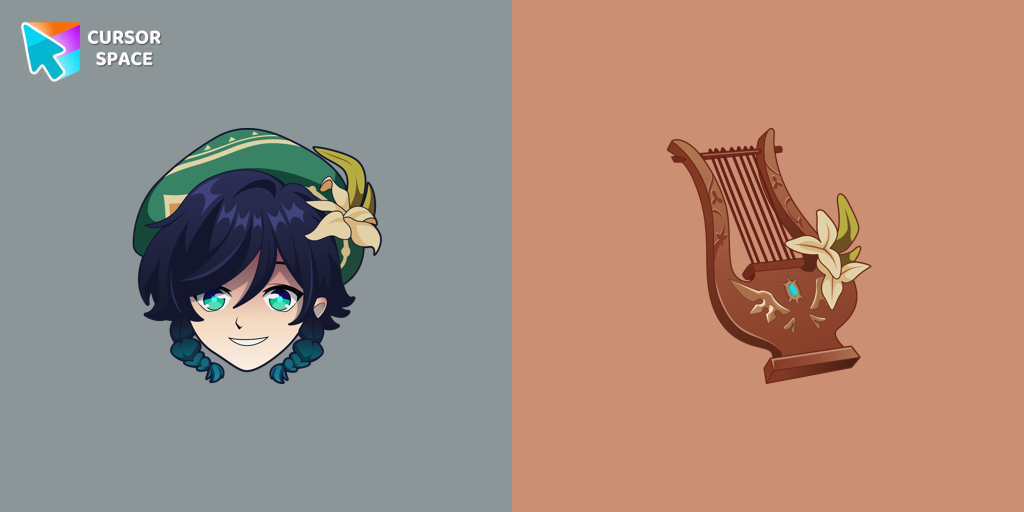 Venti cursorAdd Venti cursor in the collection of custom cursors with characters for the browser.
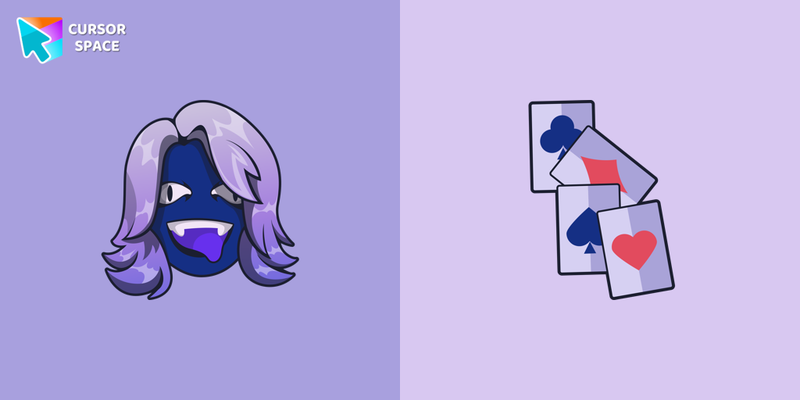 Deltarune Rouxls Kaard cursorRouxls Kaard as a cursor for the mouse and character weapon pointer will look pretty nice on your screen.
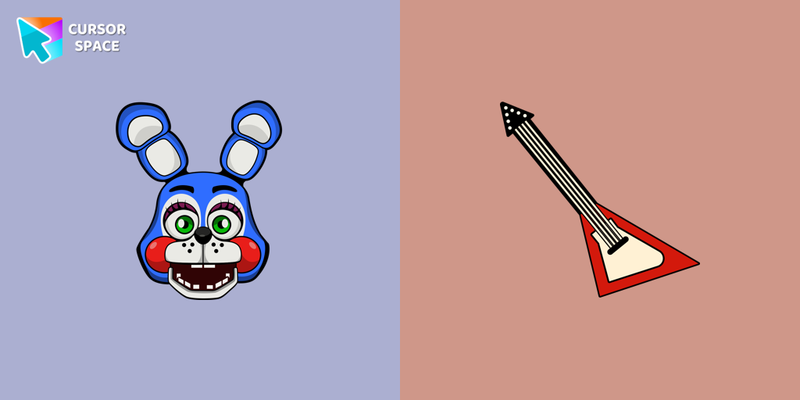 Toy Bonnie cursorRed and white electric guitar hover come together with the custom cursor with Toy Bonnie.
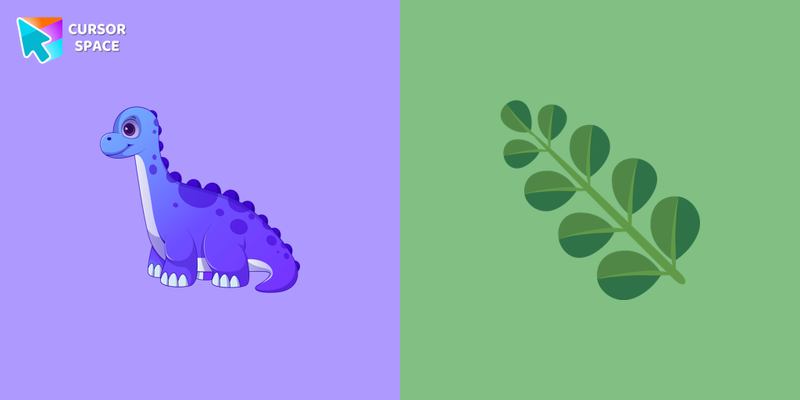 Brachiosaurus cursorCustom cursor with Brachiosaurus is a good opportunity to change the usual mouse to the fans cursors from The Wishes custom cursors collection for Chrome.
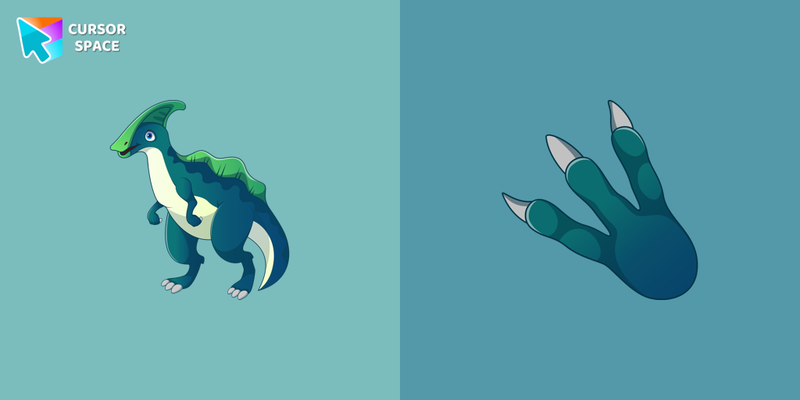 Parasaurolophus cursorParasaurolophus cursor in a colorful art presentation for daily surfing the internet.
 Stegosaurus cursorThe Wishes custom cursors collection will allow you to use Stegosaurus as a custom cursor for mouse and pointer.
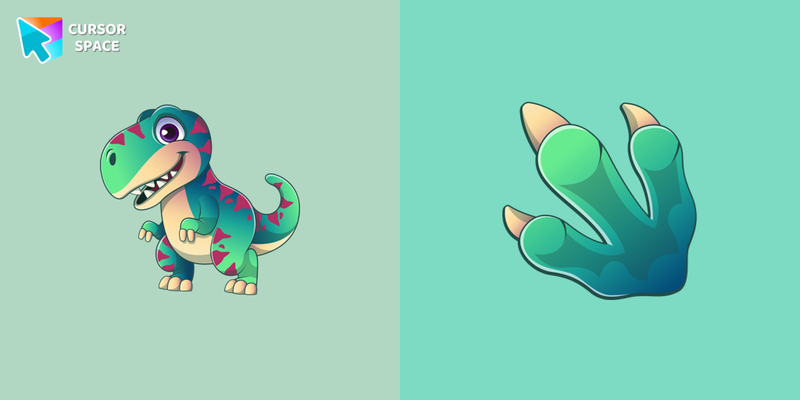 Tyrannosaurus cursorMeet a custom cursor with a Tyrannosaurus in our unique The Wishes custom cursors collection for Chrome.
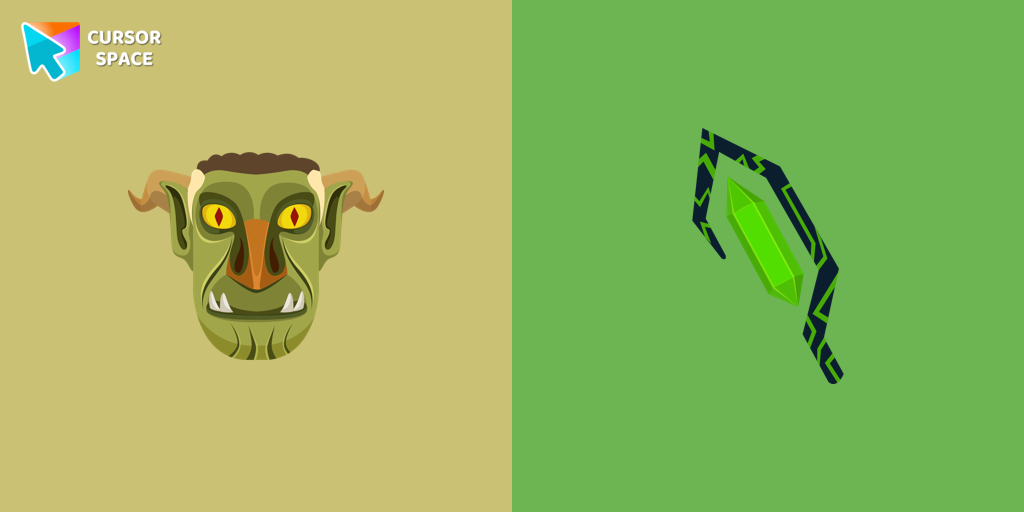 Stricklander cursorWe are glad to present this custom cursor with Stricklander from the custom cursors collection for the mouse and pointer with Animation Movies.
 Ms. Chalice cursorExperience the captivating Ms. Chalice custom cursor for Google Chrome. Inspired by the Cuphead game, this unique custom cursor brings Ms. Chalice to life in stunning detail
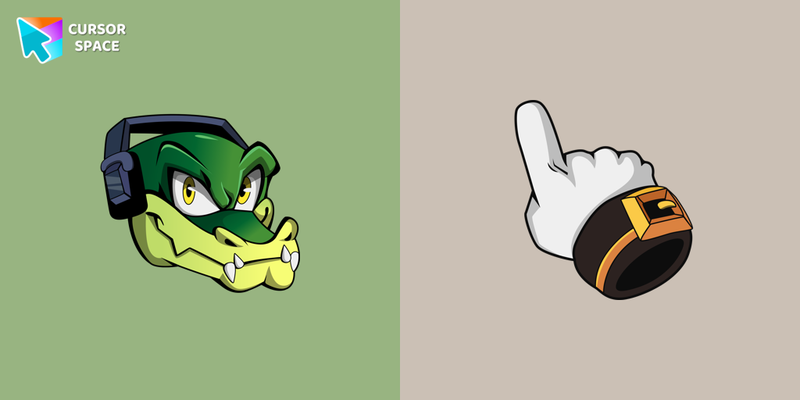 Vector the Crocodile cursorCustom cursor with Vector is a good opportunity to change the usual mouse to the fun cursors.
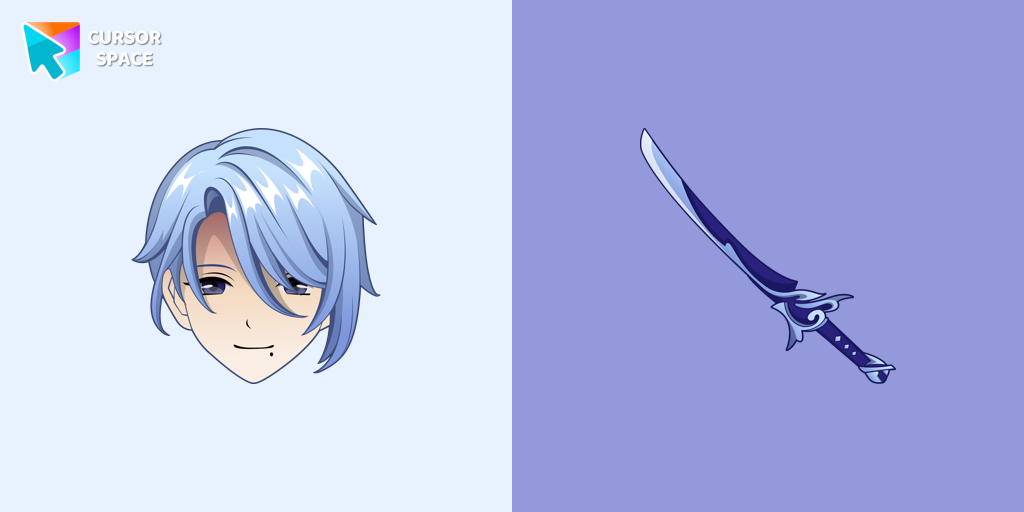 Kamisato Ayato cursorKamisato Ayato custom cursor from our custom cursors collection for Chrome will change your default mouse pointer to the Genshin Impact character.
 Redman cursorRedman cursor for mouse and custom hover pointer in a Rappers collection of custom cursors.
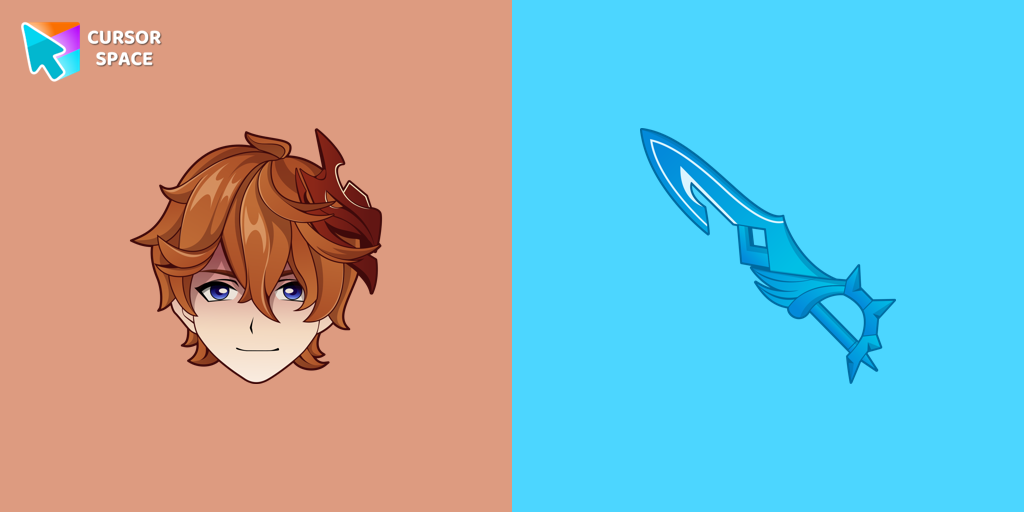 Tartaglia cursorOur Genshin Impact custom cursors collection for Chrome will allow you to use the Tartaglia character as a custom cursor for the mouse and pointer.
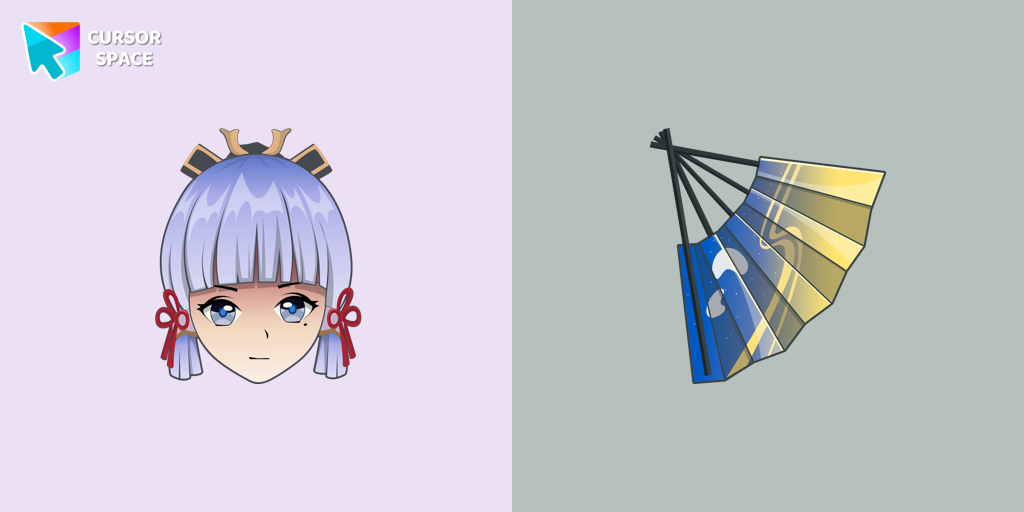 Kamisato Ayaka cursorСustom cursor with Ayaka includes a mouse cursor in the form of a fan and a hover pointer with Kamisato Ayaka.
 Undertale Napstablook cursorNapstablook from Undertale which you can use as a custom cursor for mouse and pointer from our Undertale and Deltarune custom cursors collection for Chrome.
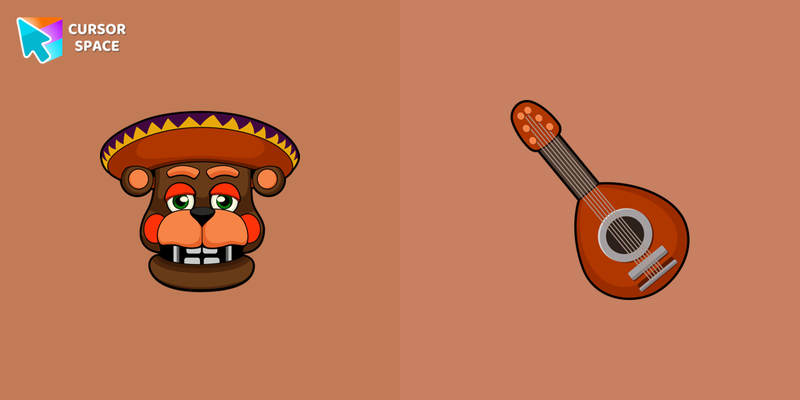 El Chip cursorBrown bandola as a cursor for the mouse and funny El Chip pointer will look pretty nice on your screen.
Explore cursor packs by style
Cursor Space packs include curated cursor sets for everyday browsing: cute, minimal, anime, neon, pixel art, and more. Each pack comes with multiple cursor states (like default and pointer) and can be added to your browser in seconds.
Trending now
Fresh picks based on what people install most often.
Collections
Browse themed sets grouped by vibe and aesthetic.
Top charts
See weekly, monthly, and all-time leaders.
How to install a cursor pack
- Open any pack from the grid above.
- Click the install / add button on the pack page.
- If you don’t have it yet, install the Cursor Space browser extension.
- Apply the pack in the extension and enjoy your new cursor.
FAQ
Quick answers to common questions about cursor packs, collections, and installation.
Are cursor packs free on Cursor Space?
Most cursor packs on Cursor Space are free to browse and install. Some packs may be marked premium depending on licensing. The Cursor Space browser extension is free to install from the Chrome Web Store.
Do cursor packs work on Chrome and Edge?
Yes. Install the Cursor Space extension for Chromium-based browsers (Chrome, Edge, Brave), open a pack page, and click install/apply. The extension applies the cursor set across your browser.
How do I install a custom cursor pack?
Open the pack page, click the install or add button, install the Cursor Space extension if prompted, then apply the pack from the extension popup. Your new cursor appears immediately.
Can I change or remove a custom cursor later?
Yes. Open the Cursor Space extension, choose another pack, or restore the default system cursor from the extension settings.
Is the Cursor Space extension safe?
Cursor Space is distributed via the Chrome Web Store and Edge Add-ons. Keep the extension updated, and only install packs from trusted catalog pages on this site.