
All Cursor Packs
Browse our full collection of custom cursors. Find your next favorite style and install it for free.
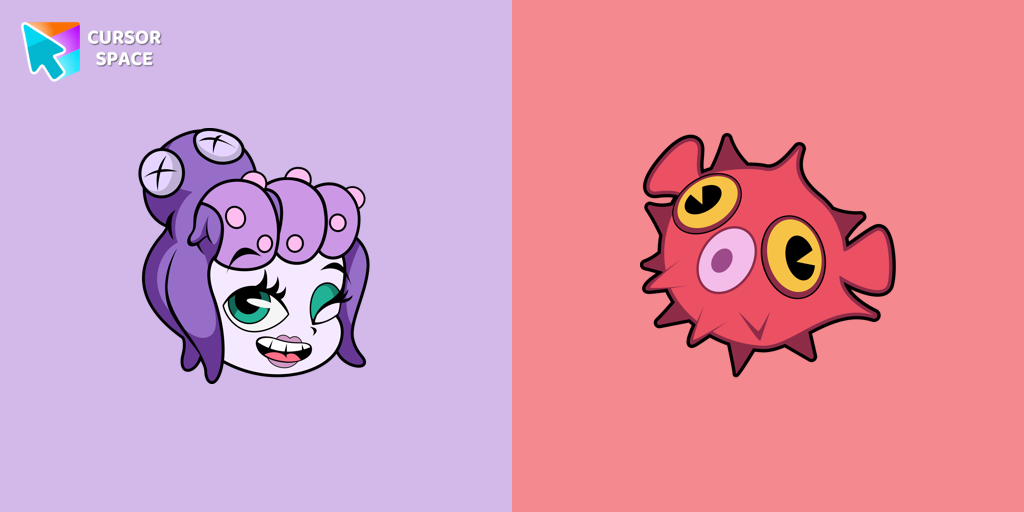 Cala Maria cursorEnhance your browsing experience with the Cala Maria custom cursor for Google Chrome. This animated cursor brings the iconic Cuphead character to life on your screen.
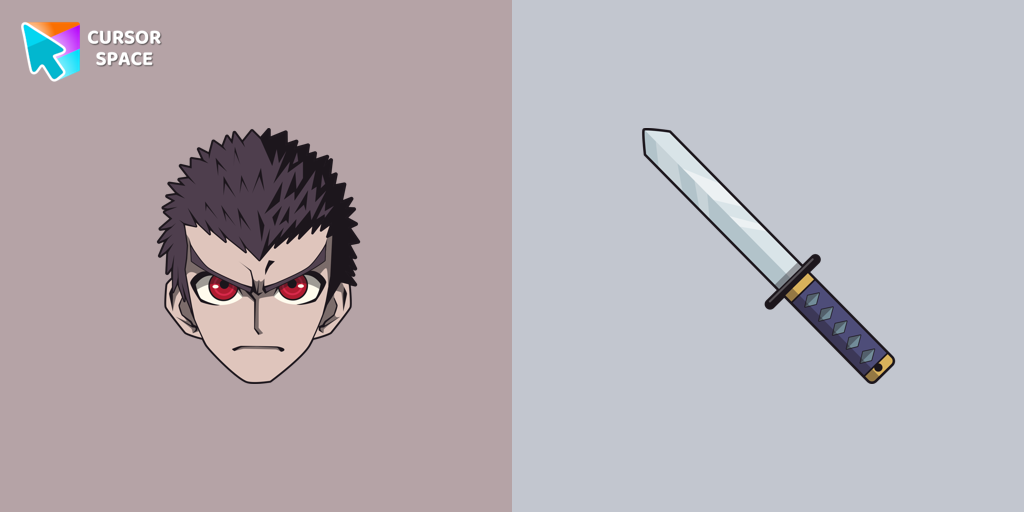 Kiyotaka Ishimaru cursor - danganronpaDiscover the commitment of Kiyotaka Ishimaru, the Ultimate Attendant, featured in our custom cursor collection.
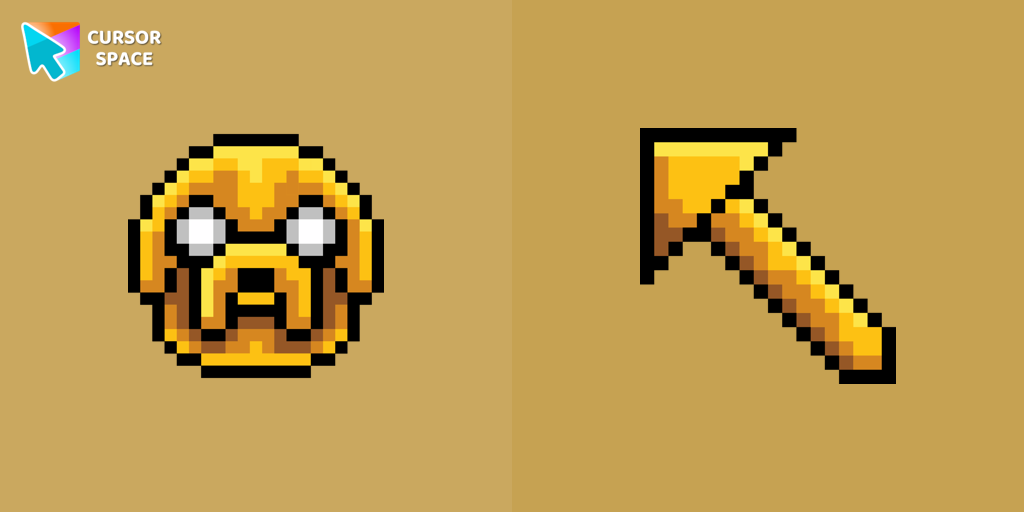 Jake Pixel cursorJake Pixel custom cursor from our Cute Pixel cursors collection for mouse and pointer.
 Cosmo cursorNow you can get a Sonic the Hedgehog cursor with Cosmo for your browser.
 Tenderheart Bear cursorExperience Love and Compassion with the Tenderheart Bear Cursor
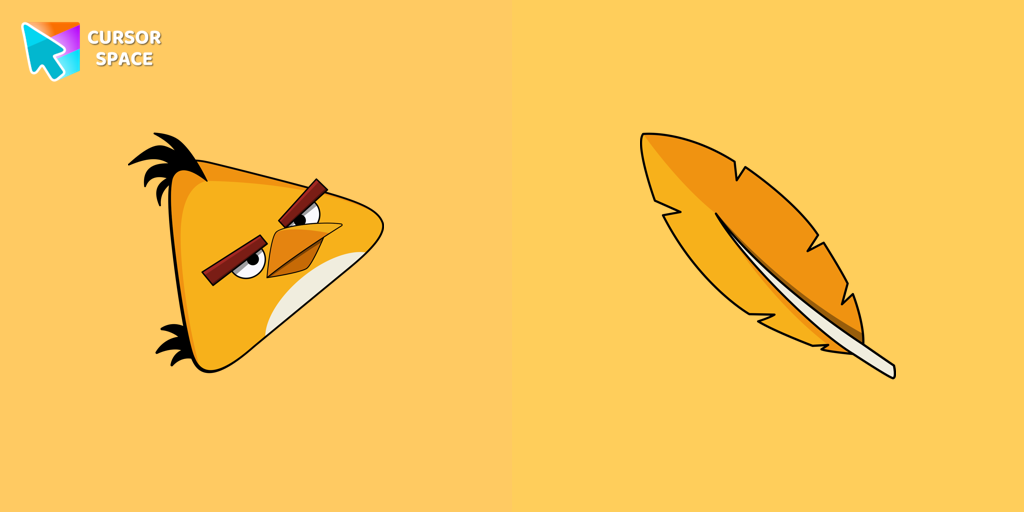 Angry Birds Chuck cursorChuck, an iconic character from the Angry Birds series, is now available as an adorable cursor in our collection.
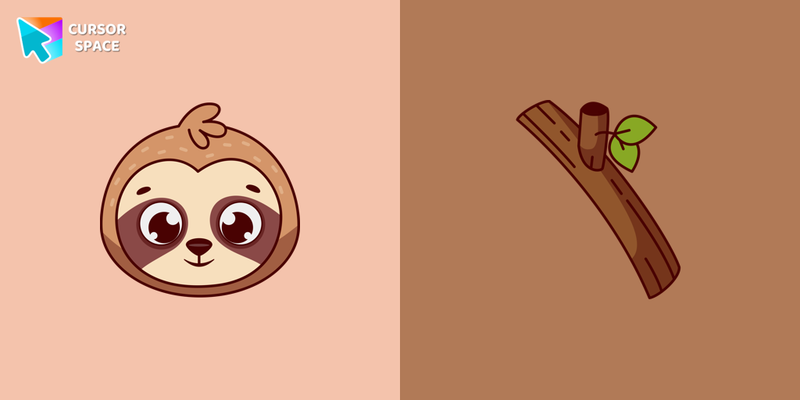 Sloth cursorToday it’s a wonderful Sloth custom cursor in a very cool design for your desktop.
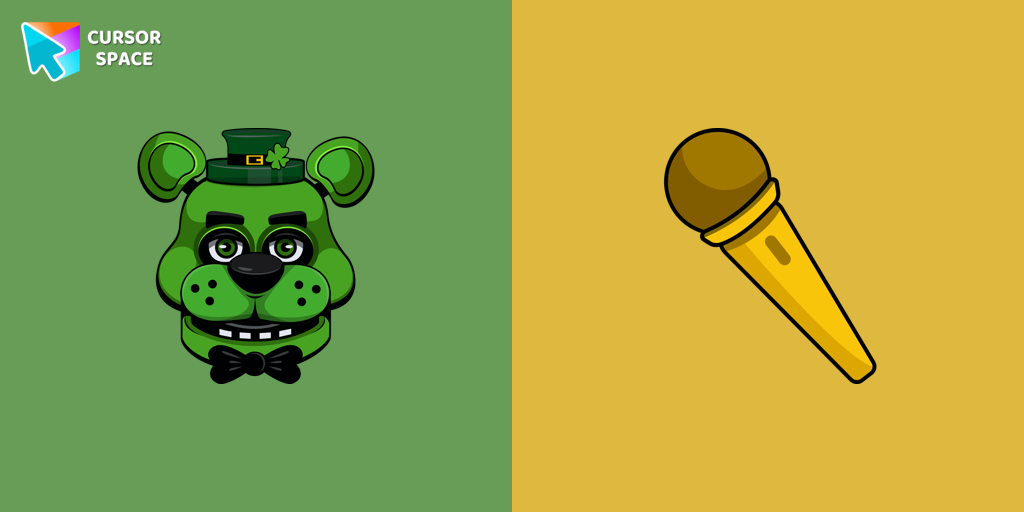 Shamrock Freddy cursorCustom cursor with Shamrock Freddy includes a well-designed mouse cursor with Shamrock Freddy and a hover pointer with a golden microphone mockup.
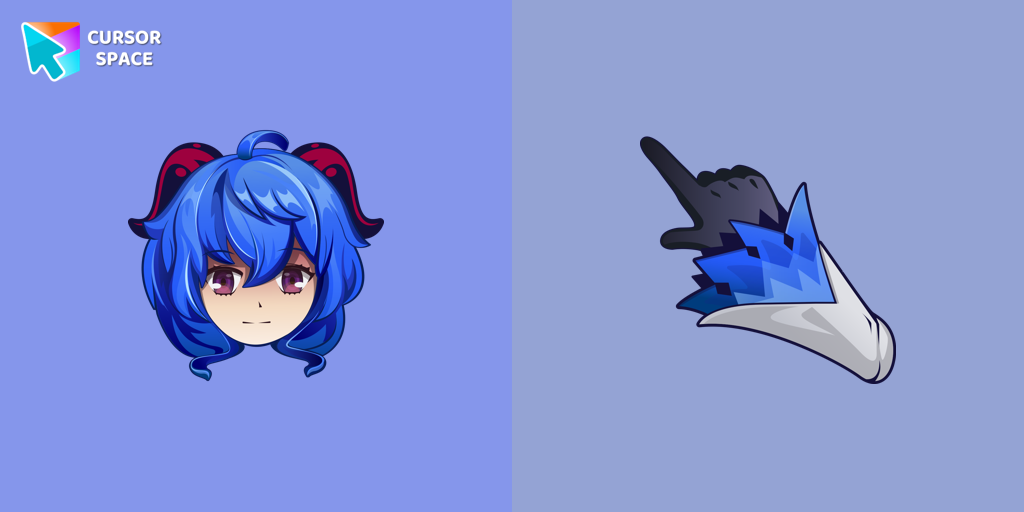 Ganyu cursorGanyu custom cursor for a mouse is good fan art to decorate your browsing.
 Hagakure Yasuhiro cursorDiscover the realm of Hagakure Yasuhiro, the Ultimate Diviner, through our custom cursor collection.
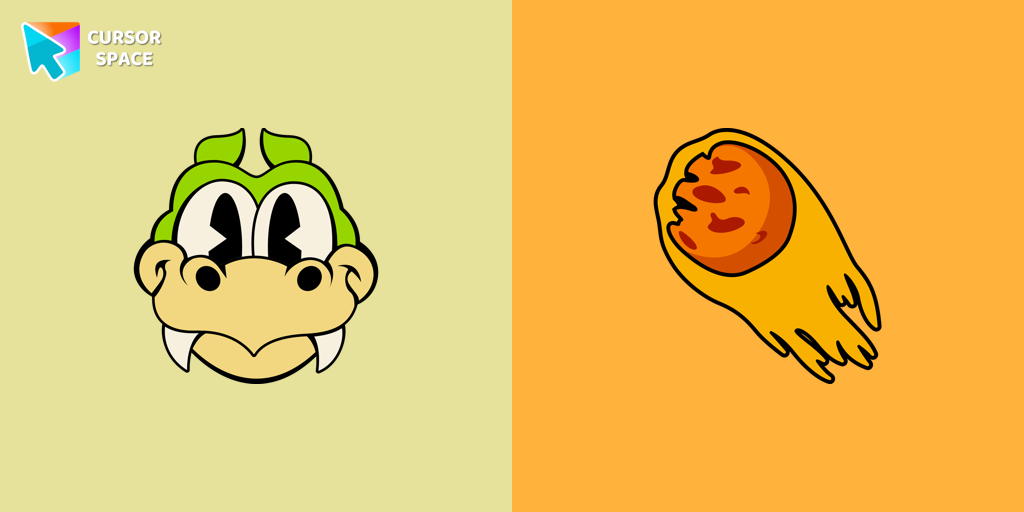 Grim Matchstick cursorEnhance your browsing with the Grim Matchstick custom cursor for Google Chrome. This animated cursor brings the fiery charm of the Cuphead boss to your screen.
 Nutty cursorNutty from Happy Tree Friends is a hyperactive character with a sweet obsession. Get the Nutty custom cursor for Google Chrome with a candy wand pointer for a fun touch.
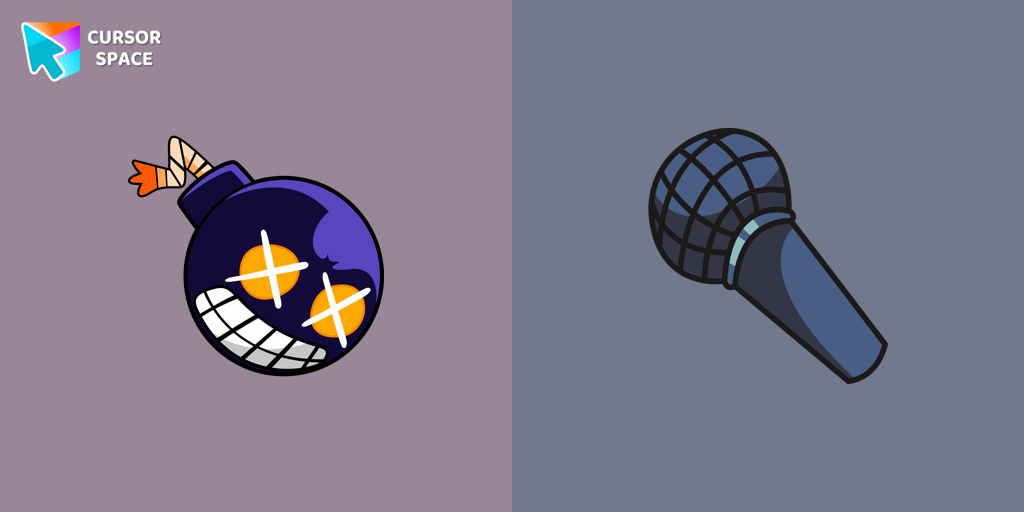 FNF Whitty cursorWhitty custom cursors are now available in our Friday Night Funkin custom cursors collection for Chrome.
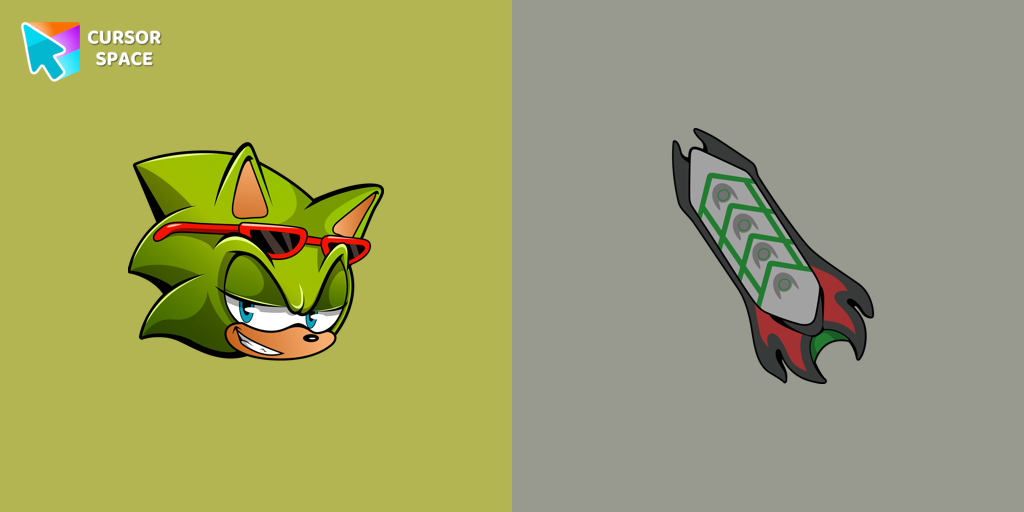 Scourge the Hedgehog cursorScourge the Hedgehog custom cursor for the mouse is a pretty fan art in a Sonic the Hedgehog cursor collection for Chrome.
 Always There Bear cursorStay Connected with the Always There Bear Cursor - A Trustworthy Companion
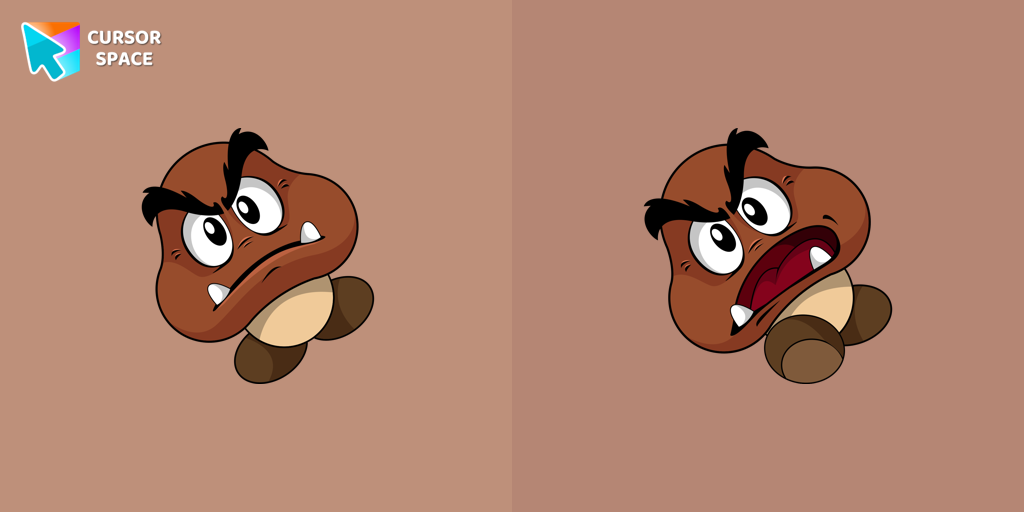 Goomba cursorCalling all Mario fans! One of the most familiar foes from the beloved franchise, the Goomba, now has its very own custom cursor.
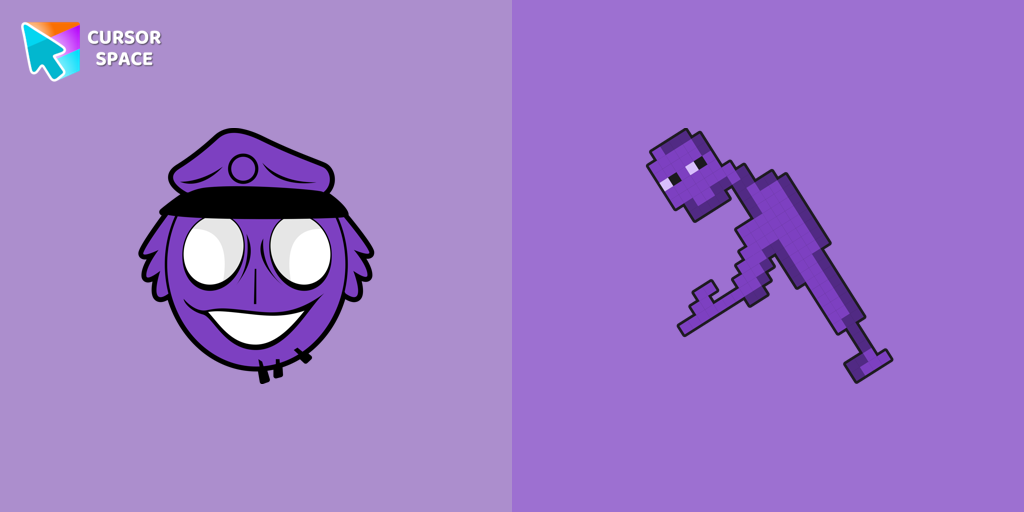 William Afton cursorAuthentic custom cursor with William Afton from our Five Nights at Freddy's custom cursors collection will allow you to change the mouse cursor.
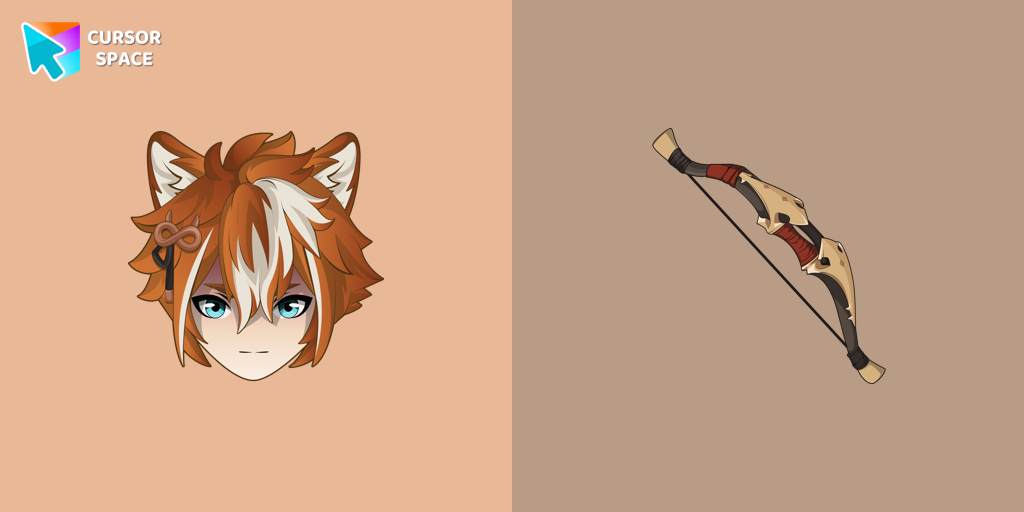 Gorou cursorIf you want to change the default cursor to Gorou, you are welcome to our collection of cursors Genshin Impact in a variety of moods.
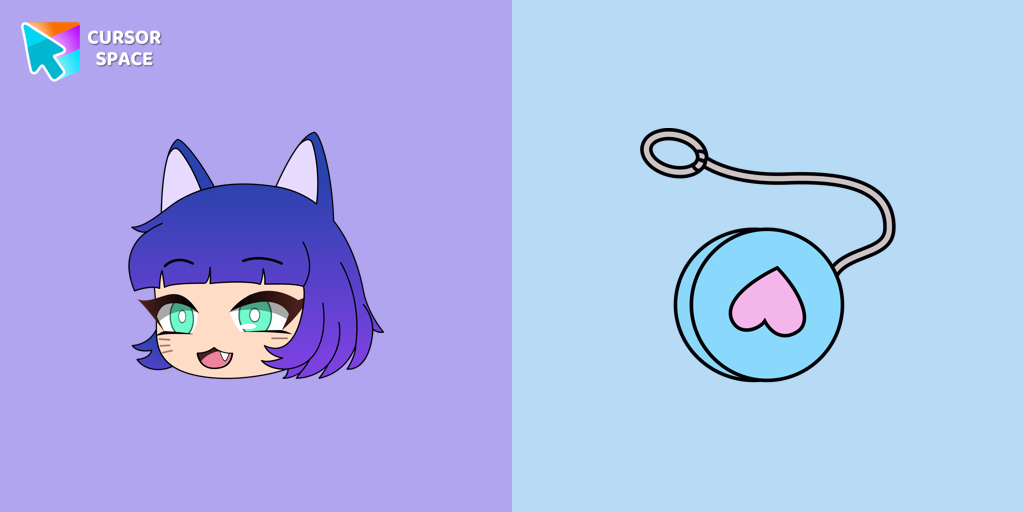 NPC in Gacha Life - Lado cursorAdd Gacha Life flair to your browser with the Lado custom cursor. Perfect for fans, it's part of our Mystery Space collection!
 FNF Cuphead cursorCustom cursor with FNF Cuphead is a good opportunity to change the usual mouse to the fans cursors from the Friday Night Funkin collection.
Explore cursor packs by style
Cursor Space packs include curated cursor sets for everyday browsing: cute, minimal, anime, neon, pixel art, and more. Each pack comes with multiple cursor states (like default and pointer) and can be added to your browser in seconds.
Trending now
Fresh picks based on what people install most often.
Collections
Browse themed sets grouped by vibe and aesthetic.
Top charts
See weekly, monthly, and all-time leaders.
How to install a cursor pack
- Open any pack from the grid above.
- Click the install / add button on the pack page.
- If you don’t have it yet, install the Cursor Space browser extension.
- Apply the pack in the extension and enjoy your new cursor.
FAQ
Quick answers to common questions about cursor packs, collections, and installation.
Are cursor packs free on Cursor Space?
Most cursor packs on Cursor Space are free to browse and install. Some packs may be marked premium depending on licensing. The Cursor Space browser extension is free to install from the Chrome Web Store.
Do cursor packs work on Chrome and Edge?
Yes. Install the Cursor Space extension for Chromium-based browsers (Chrome, Edge, Brave), open a pack page, and click install/apply. The extension applies the cursor set across your browser.
How do I install a custom cursor pack?
Open the pack page, click the install or add button, install the Cursor Space extension if prompted, then apply the pack from the extension popup. Your new cursor appears immediately.
Can I change or remove a custom cursor later?
Yes. Open the Cursor Space extension, choose another pack, or restore the default system cursor from the extension settings.
Is the Cursor Space extension safe?
Cursor Space is distributed via the Chrome Web Store and Edge Add-ons. Keep the extension updated, and only install packs from trusted catalog pages on this site.