
Yellow cursor
56Free
Transform your screen with a lively yellow custom cursor from Custom Cursor Space. Click and scroll with flair, adding a touch of personality to your display!
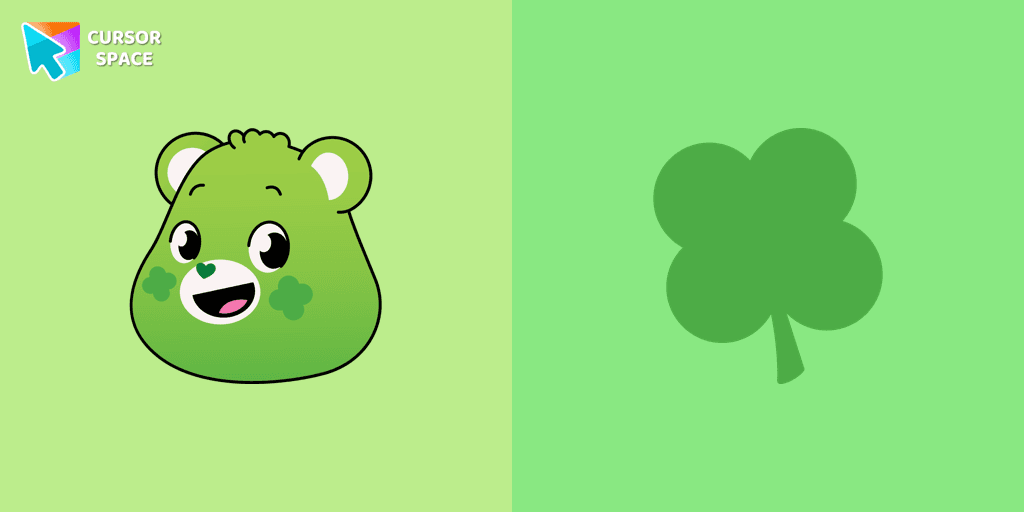
The Good Luck Bear cursor is the perfect way to add a touch of charm and positivity to your browsing experience! As one of the most beloved Care Bears, Good Luck Bear is known for bringing fortune and happiness to those around him. With his bright green fur and signature four-leaf clover Belly Badge, this cheerful bear is a symbol of good luck, optimism, and magical moments.
This custom cursor for Google Chrome replaces your standard mouse pointer with an adorable Care Bears cursor, designed especially for fans of the classic 80s cartoon. Whether you're a longtime admirer of the Care Bears or just love collecting cute, colorful, and themed cursors, this browser cursor will bring back the warmth of childhood nostalgia.
Good Luck Bear’s four-leaf clover represents endless good fortune, making this animated cursor a fun and meaningful addition to your screen. It’s the perfect character cursor for those who enjoy fantasy cursors, cartoon cursors, and all things magical. Pair it with other popular Care Bears cursors, like Cheer Bear, Grumpy Bear, Funshine Bear, Love-a-Lot Bear, Wish Bear, and Tenderheart Bear, to build your own adorable collection!
If you love customizing your browsing experience with fun cursors, this Good Luck Bear cursor is a must-have. Simply install it with Custom Cursor for Google Chrome, and let the magic of Good Luck Bear bring positivity and charm to your daily browsing. Try it now and add a lucky touch to your screen!
Install the Cursor Space extension for Chrome or Cursor Space for Edge in your browser.
On this page, click "Add this cursor pack to the extension".
Open the extension and go to the Packs tab.
Find the custom cursor pack "Good Luck Bear cursor" and click it.
Enjoy!
Get this cursor pack and thousands of others by installing our extension. It's fast and free!
Good Luck Bear Cursor is a themed cursor pack you can add to your browser to personalize your pointer across common cursor states (default and pointer). Use it for everyday browsing, streaming, studying, or gaming-anywhere you want your cursor to match your vibe.
See how the cursors look before installing.
Add the pack to the extension in a few clicks.
Designed for Chrome and Edge via the extension.
Quick answers to common questions about cursor packs, collections, and installation.
Yes. To apply cursor packs in Chrome or Edge, install the Cursor Space extension and add this pack to it.
Cursor packs are designed for Chromium browsers like Chrome and Microsoft Edge.
Open the extension, choose another pack or disable the current one to return to your default cursor.
Custom cursor and packs - neon, anime, pixel art. Quickly add to Chrome and Microsoft Edge for free
Transform your screen with a lively yellow custom cursor from Custom Cursor Space. Click and scroll with flair, adding a touch of personality to your display!
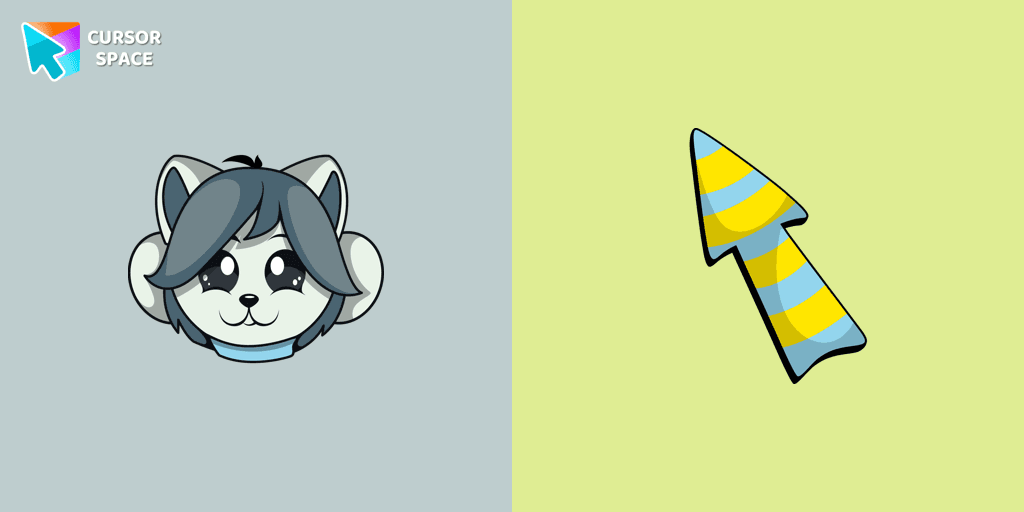
Temmie custom cursor for the mouse is a pretty monster in an Undertale and Deltarune cursor collection for Chrome.
Discover custom cursors for Chrome. From Game to Mechanical, find the perfect design to express your style and elevate your browsing.
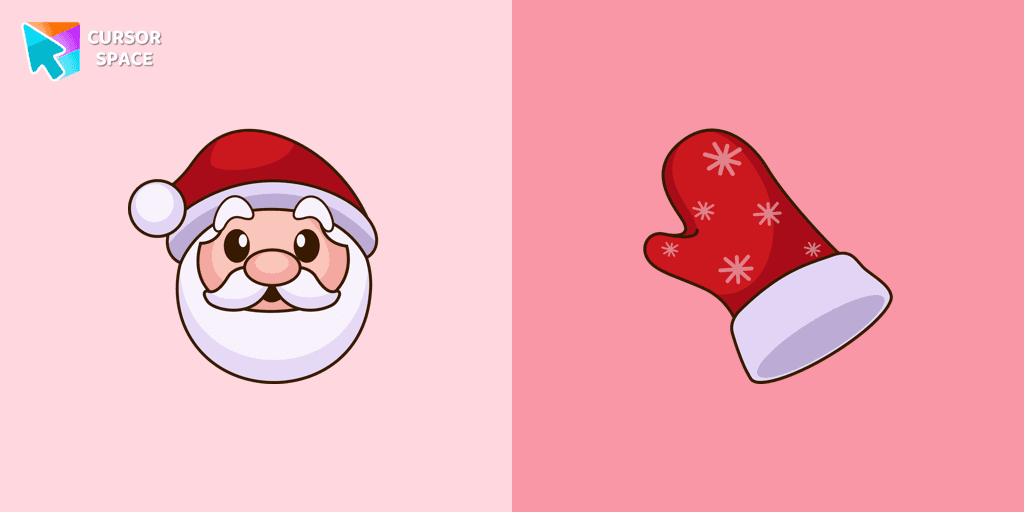
Straight from his residence in Lapland, Santa attended our Merry Christmas and Happy New Year custom cursors collection for Chrome as a custom cursor for the mouse.
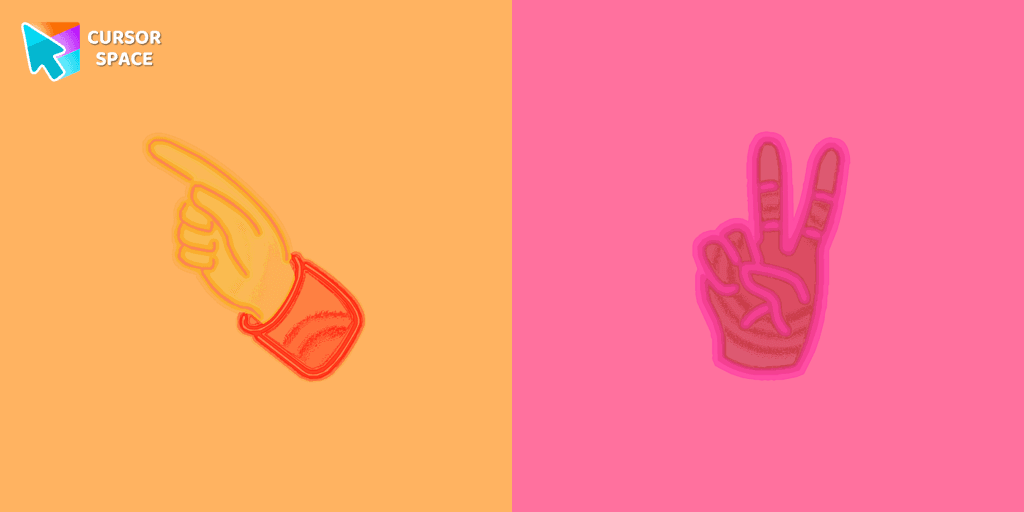
Pointer Neon Cursor is a customizable cursor option for those who want to add some color to their computer interface.

Explore Oreo Red Cursors for a bold custom cursor experience on Chrome. Add energy and style to your digital workspace today!
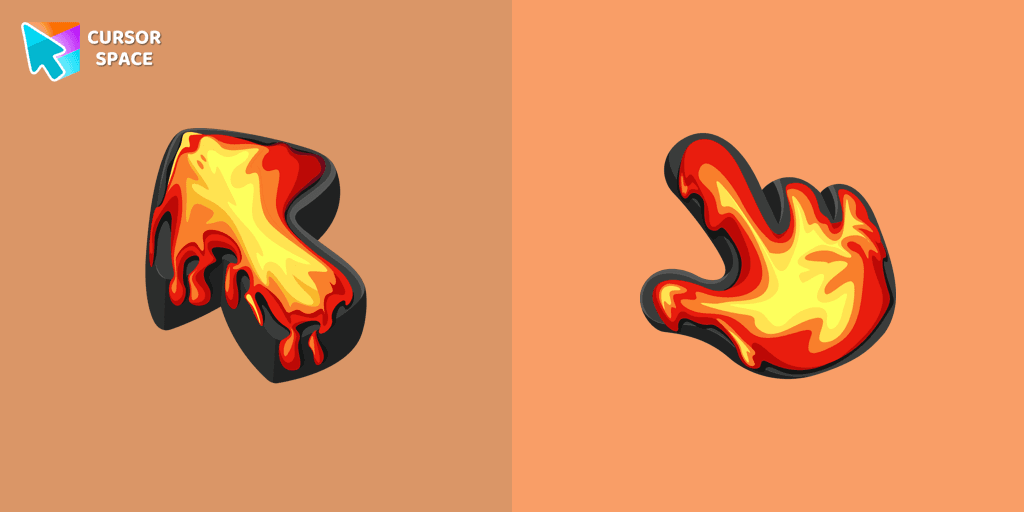
Ignite your browsing with the Lava custom cursor for Google Chrome, inspired by volcanic magma. Experience intense energy right on your screen.
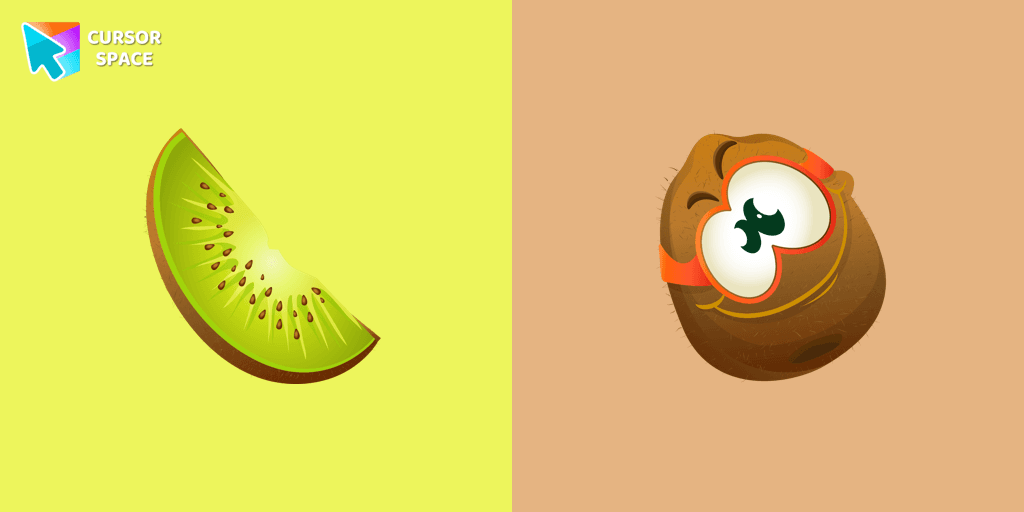
Funny kiwi cursor for mouse and pointer is illustrated for the custom cursors collection for mouse and pointer.
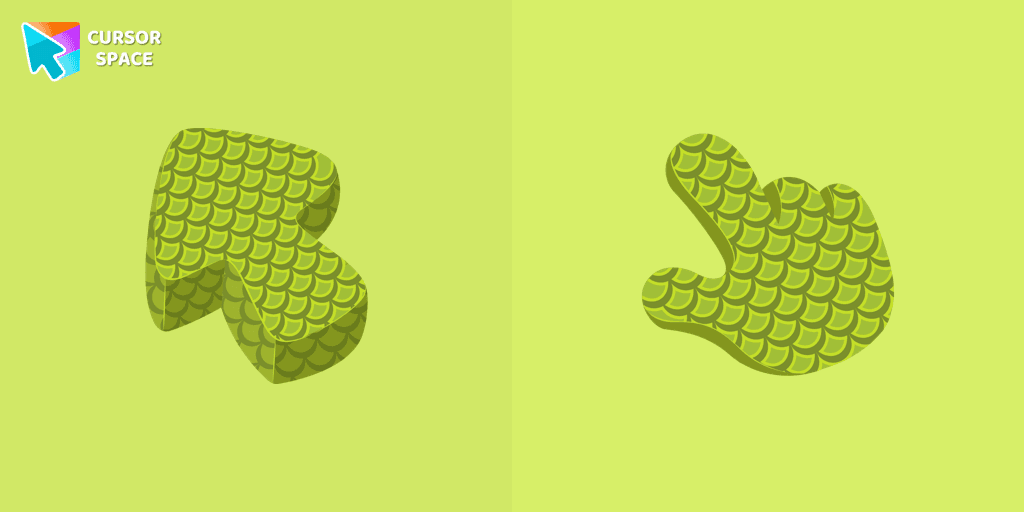
Explore the reptile-inspired custom cursor for Google Chrome featuring intricate scales. Elevate your browsing with this unique texture custom cursor.


Refresh your desktop experience with Bibata Original Ice, a stylish custom cursor featuring transparent shades and a unique ice effect for everyday use.
Installation leaders from "Care Bears": free packs, neon/anime/pixel art, quick add to Chrome and Edge.
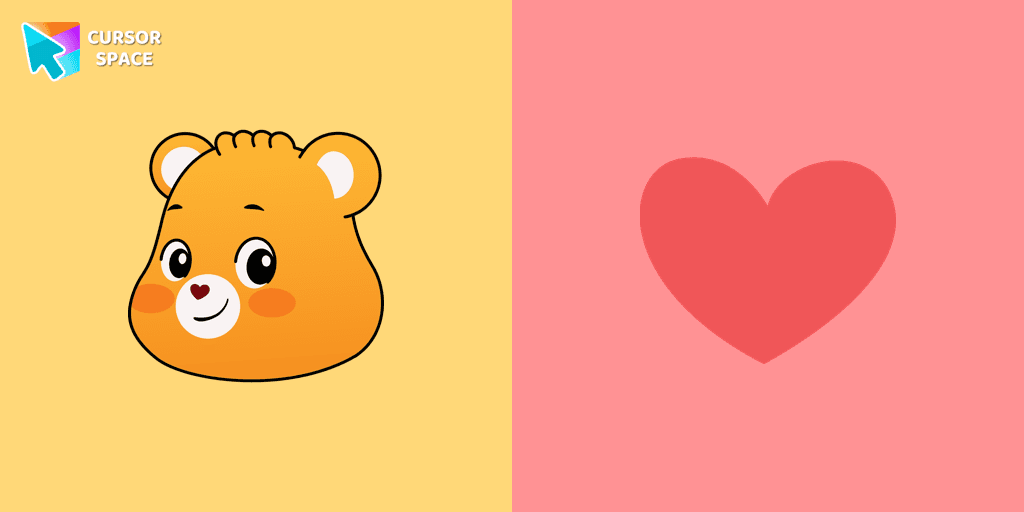
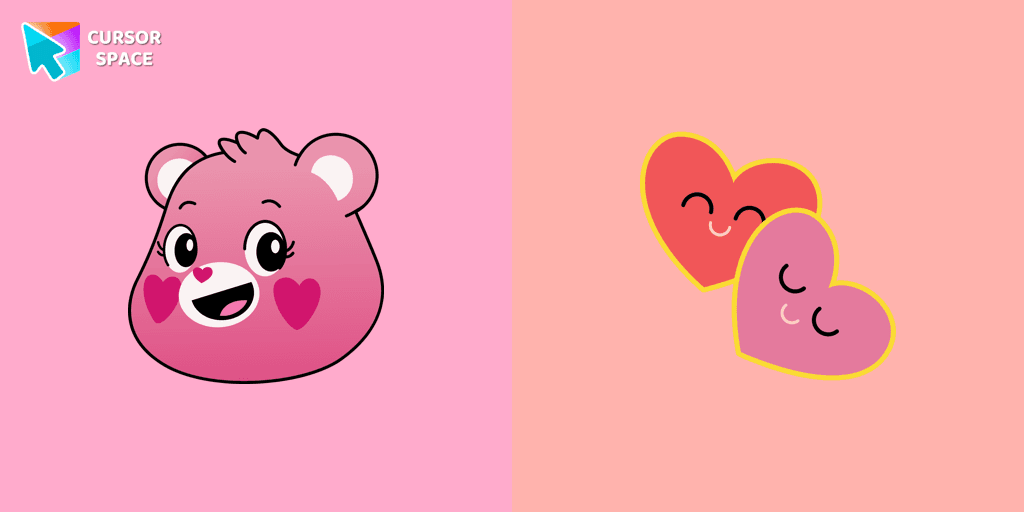
The Love-a-lot Bear custom cursor from our custom cursors collection for Chrome.
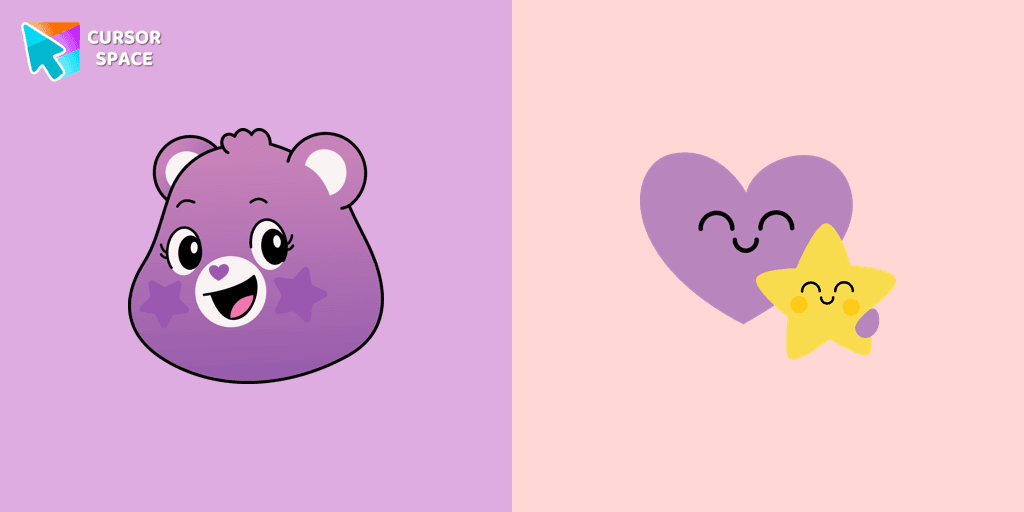
Featuring the iconic Care Bears character, this cursor adds a touch of charm and nostalgia to your screen.
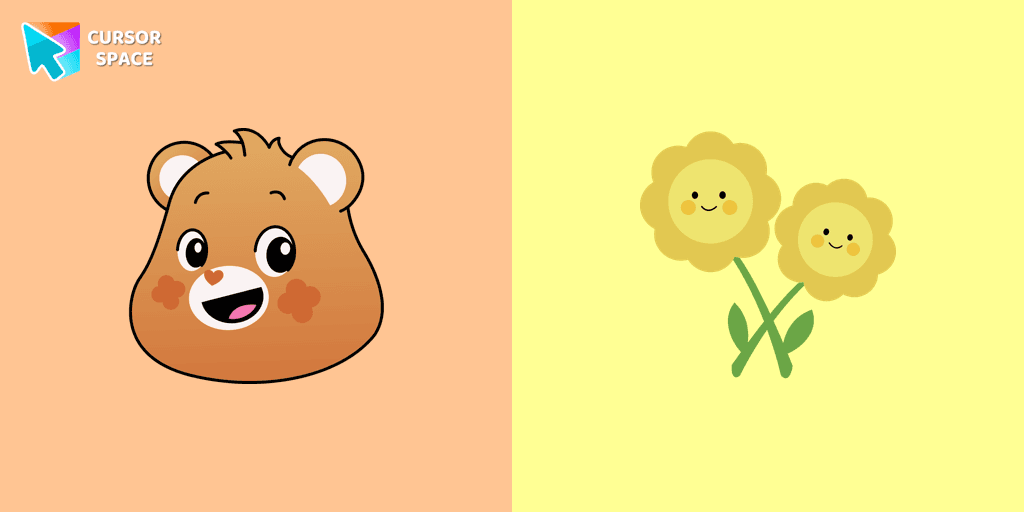
Smart Heart Bear custom cursor for the mouse is a pretty character in a Care Bears cursor collection for Chrome.

The True Heart Bear custom cursor brings charm and nostalgia to your browsing. Enjoy this adorable custom cursor for Google Chrome featuring the iconic Care Bears character.
Stay Connected with the Always There Bear Cursor - A Trustworthy Companion

Grumpy Bear cursor for mouse and pointer in a terrific custom cursors collection for Chrome with Care Bears.
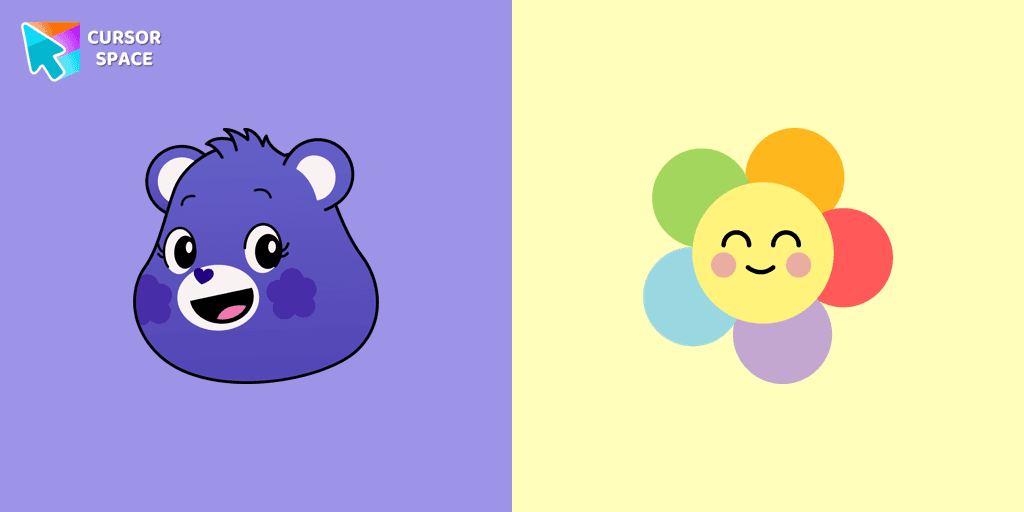
A fun Harmony Bear as a custom cursor for mouse and pointer with which we can spend many hours of fun.

Bedtime Bear custom cursor for the mouse is a pretty bear in a Care Bears cursor collection for Chrome.
Add packs instantly and unlock access to thousands of cursors: neon, anime, pixel-art, and more. Fast, safe, and free.
Cursor Space is an extension for changing your mouse cursor in Chrome and Edge browsers: themed collections, HiDPI icons, neon, animated, and pixel cursors, with quick installation.